How to Set Up a Self-Hosted GitHub Runner
Requirements to start our own GitHub runner:
- PAT token
- Organization name
- Container with github runner
- Docker host
Let's set it up step by step. For container with github runner we will use github-runner.
Getting PAT token
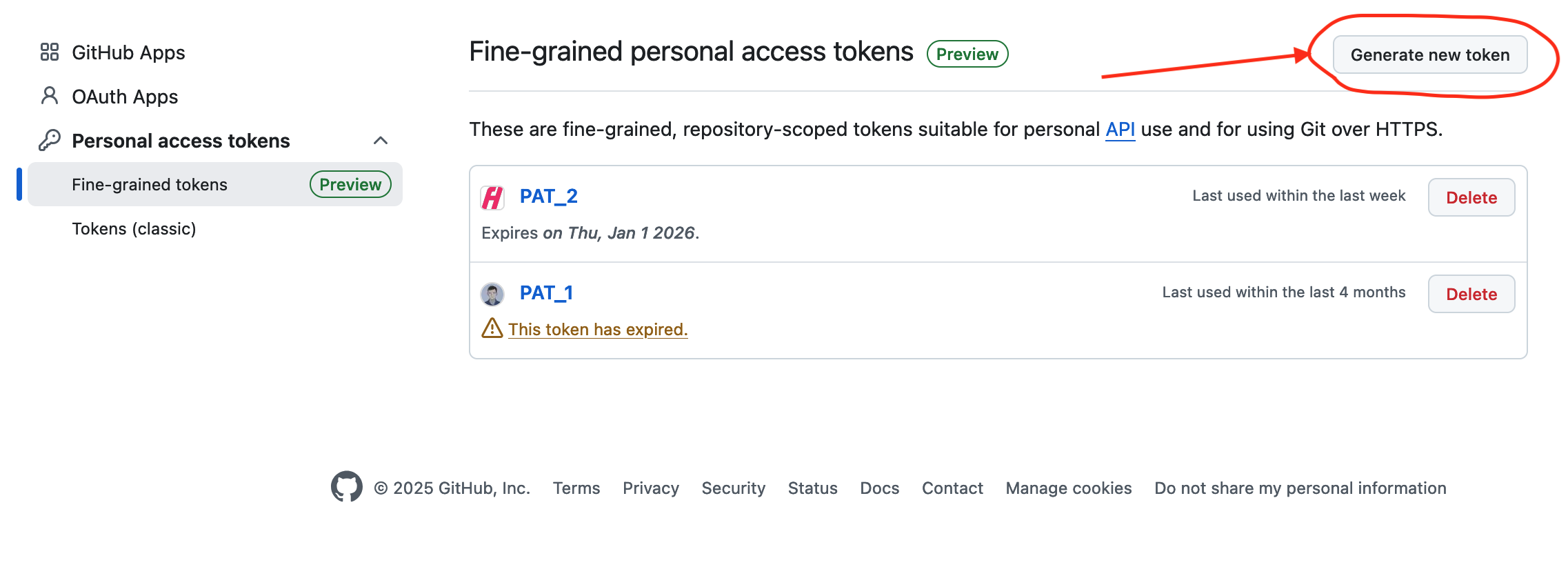
- Go to Personal Access Tokens page and click on Generate new token.
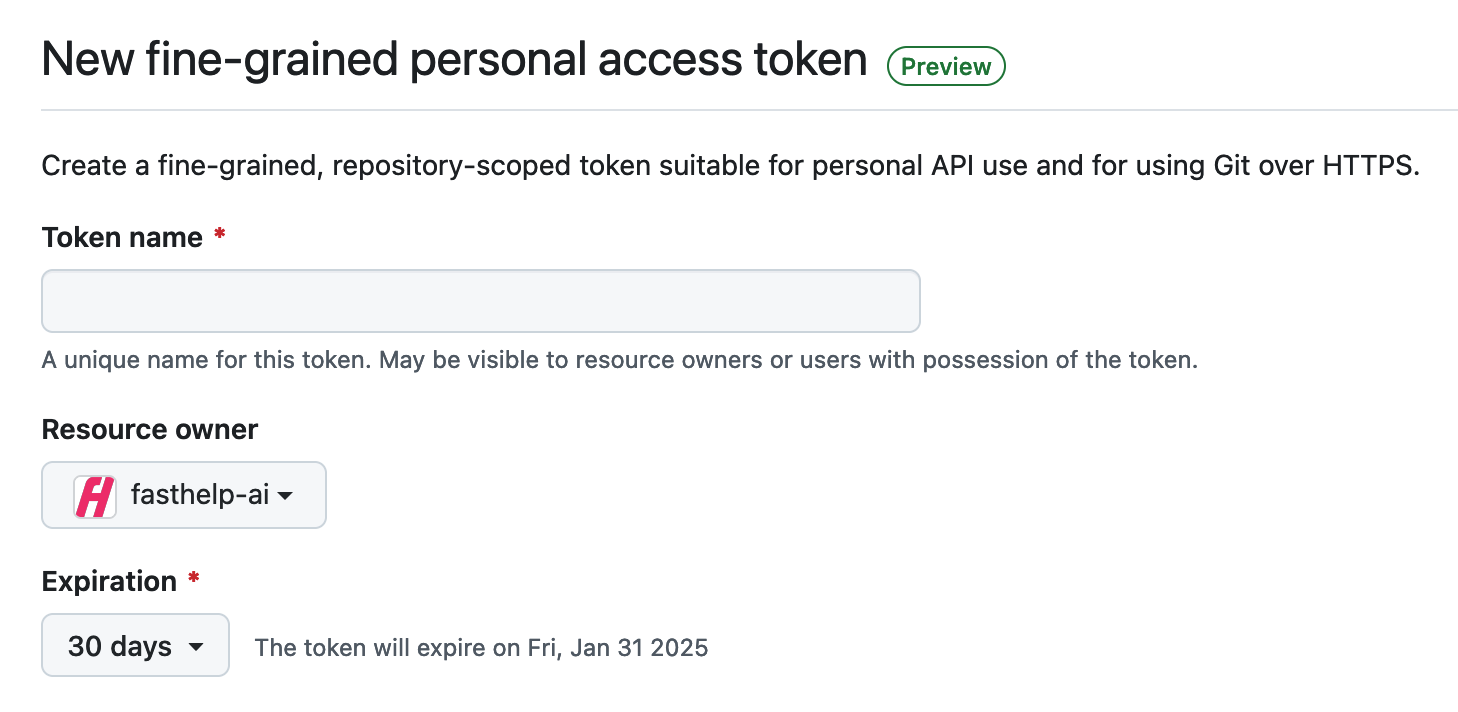
- Enter Token name, select Resource owner (name of your organization) and Expiration (for security reasons, it's better not to use unlimited time.).
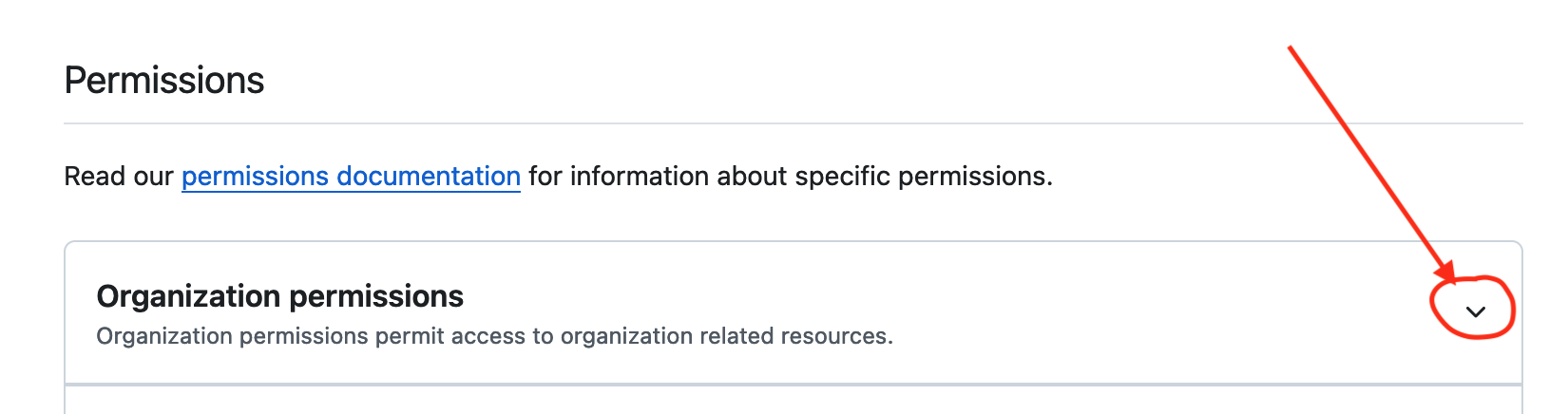
- Click on the arrow on the right side of Organization permissions.
- Select
Access: Read and writefor Self-hosted runners.
- Now click on Generate token.
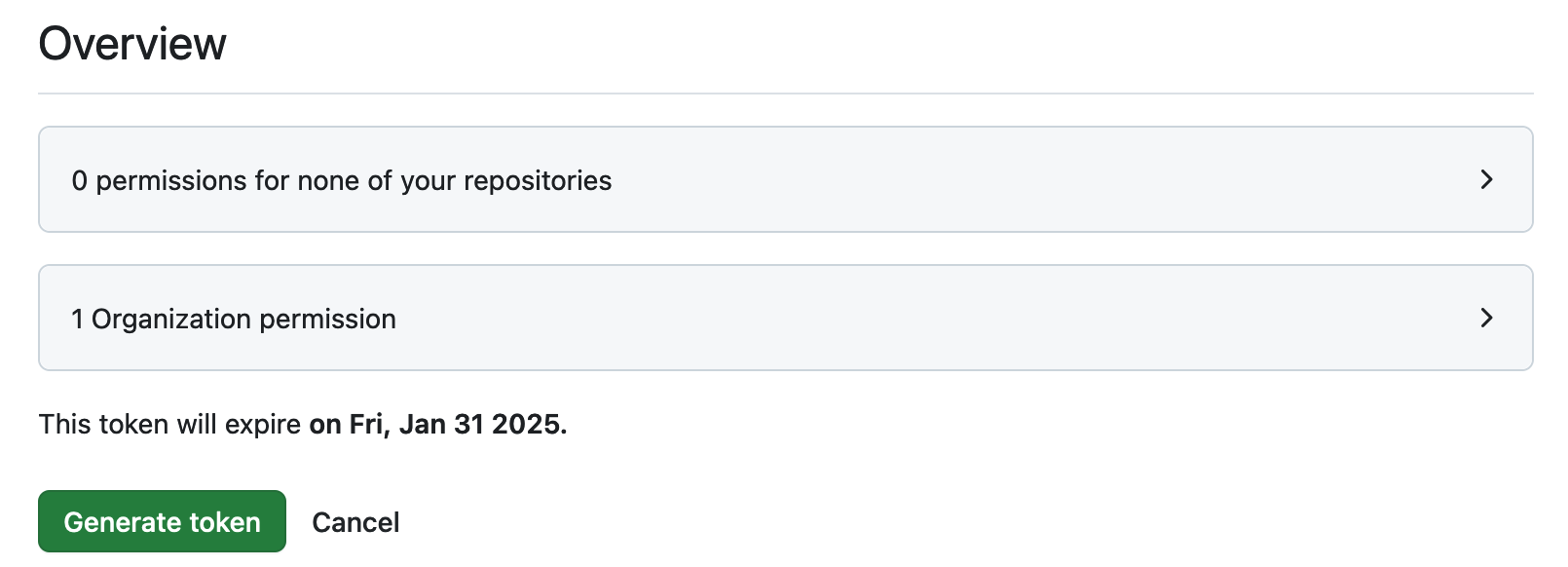
- Copy generated token (it starts with
github_pat_...) in the safe place.
Getting organization name
I'm the owner of multiple organizations.. For example, I will use a self-hosted runner for fasthelp-ai organization. 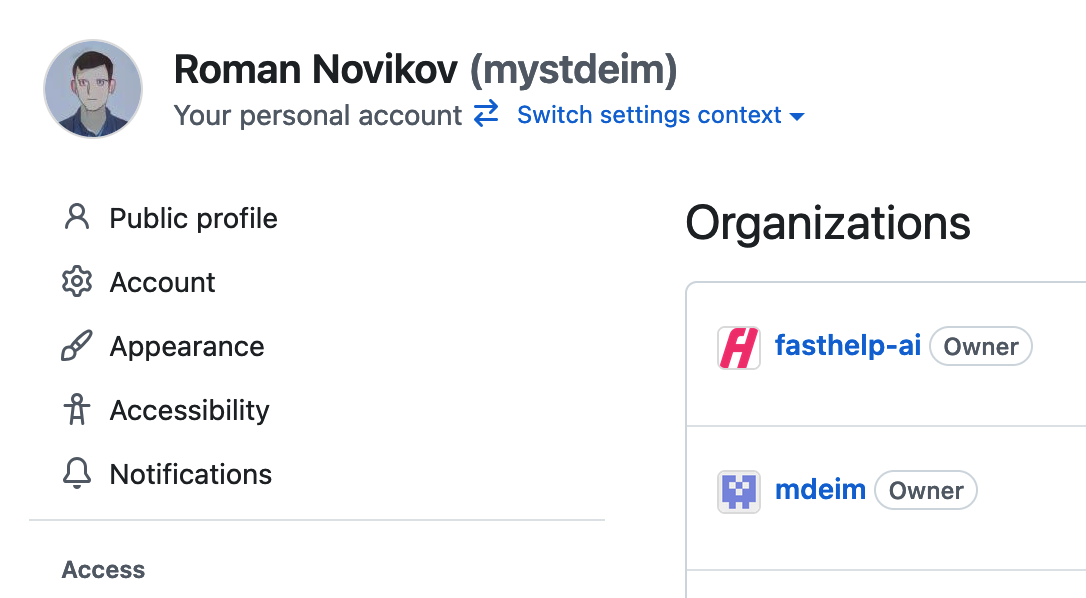
Starting our runner
Probably we need to change rights for docker.sock, because our runner will need access to docker.sock. It's possible to do it via this command in terminal. In case of debian/ubuntu:
shell
sudo chmod 666 /var/run/docker.sockOption 1. Docker oneliner
Now we can use our PAT token, organization name, and optional name.
shell
docker run --rm \
  -e ORG=fasthelp-ai \
  -e ACCESS_TOKEN=github_pat_... \
  -e NAME=hetzner-1 \
  -v /var/run/docker.sock:/var/run/docker.sock \
  ghcr.io/romnovi/github-runner:main
Option 2. Docker compose
shell
services:
  runner:
    image: ghcr.io/romnovi/github-runner:main
    volumes:
      - /var/run/docker.sock:/var/run/docker.sock
    environment:
      - ORG=fasthelp-ai
      - ACCESS_TOKEN=github_pat_...
      - NAME=hetzner-1
Checking
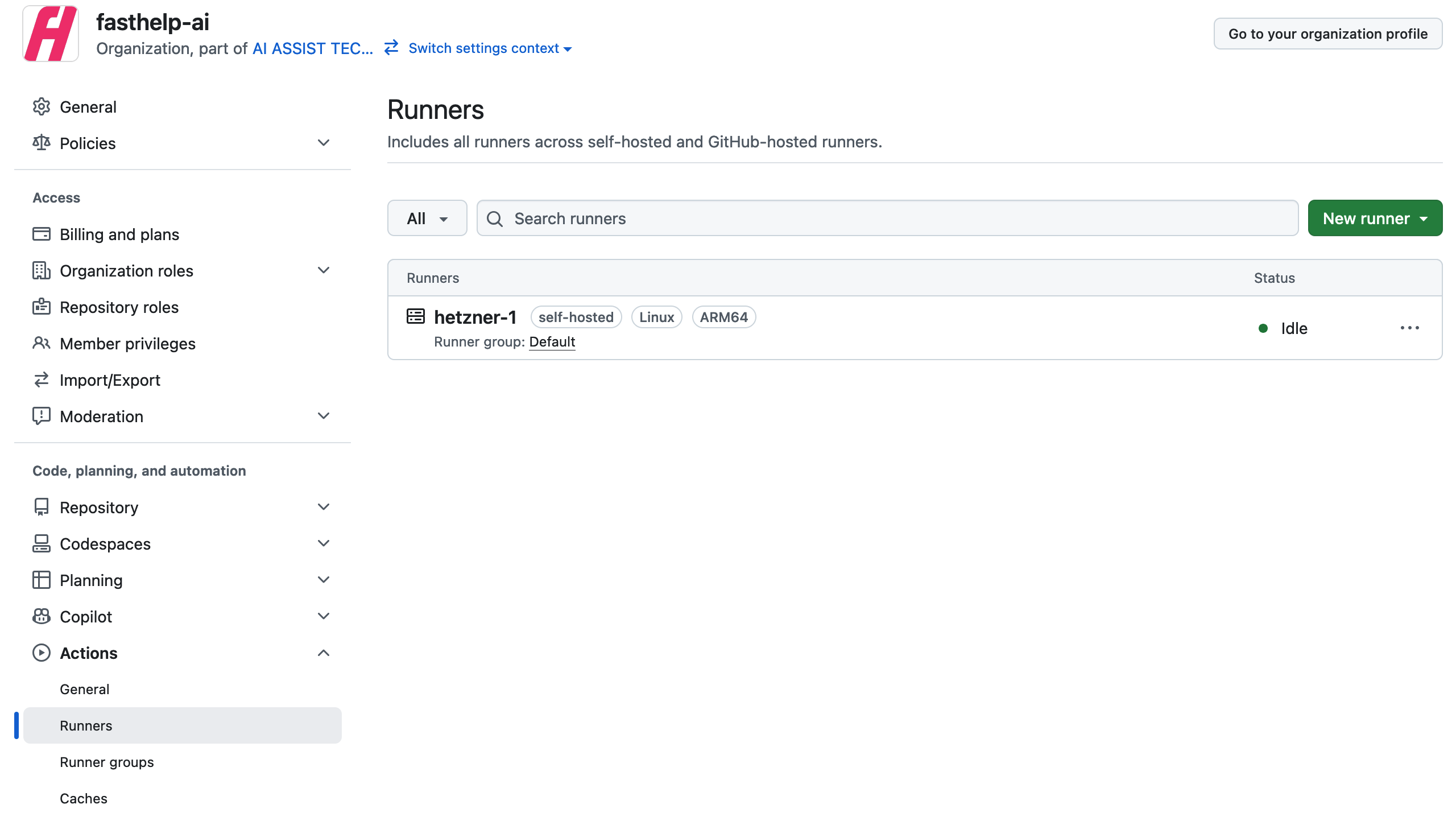
After we start runner we can check its status on the settings page of organization: Actions -> Runners.